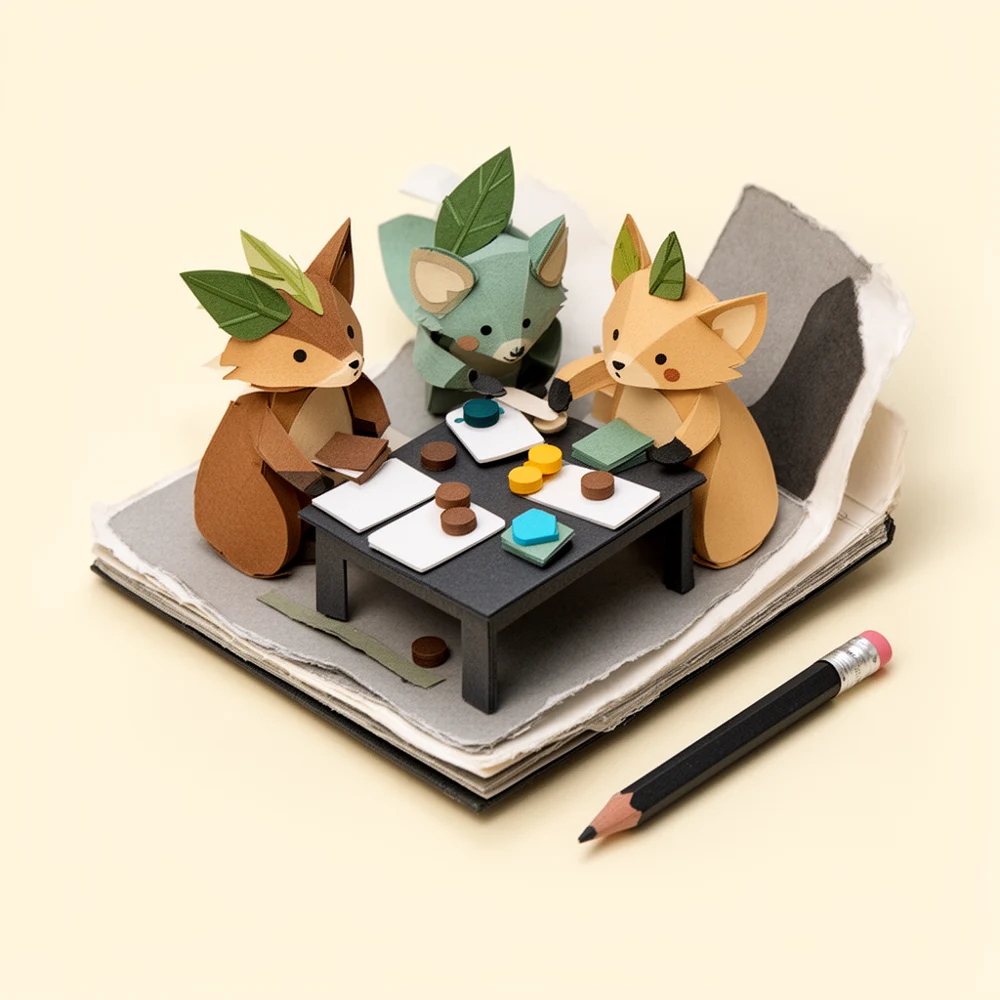
Set up your channel.
Public release will require Twitch approval. Installing and activating the Extension in Twitch is separate from signing in to a website. Neither public installation nor a FunFab account flow is available here yet.
 Contact Us
HOW FUNFAB WORKS
The platform for creator-led games, designed for streamers and their audiences.
In development. Try interactive examples here. Public multiplayer and the Twitch Extension are not available yet.
WHAT YOU CAN DO TODAY
The examples run in this browser without a room or sign-in. They demonstrate an action and reveal; they do not connect to an audience or start a multiplayer show.
FOR STREAMERS
Public release will require Twitch approval. Installing and activating the Extension in Twitch is separate from signing in to a website. Neither public installation nor a FunFab account flow is available here yet.
Use the Game Library to choose a title, adjust available settings, and open the public display. Keep host controls and private player roles off the broadcast.
Keep your audience together as you change games between sessions. Choose the next title from the Game Library.
WATCHING A STREAM?
The planned Extension brings game controls alongside the stream. The game determines whether you write, answer, vote, or take a seat.
You can try the website examples without a room or sign-in. They are local demonstrations, not live audience games. Public multiplayer has not launched.
SnarkTank, Bluff Bureau, and Plot Twist have featured writing roles and audience voting or guessing. Blackout and Oddly Alike give each participant answers to submit. Mafia Live reserves game decisions for seated players. Read the Room lets you guess privately. Running Gags and Roast Rope let you vote without volunteering to write. Audience Orders lets you choose speaking rules and report possible slips.
The host will need the FunFab Extension active on their channel. Viewer identity, device support, and joining instructions will be confirmed before public release. This website’s mobile examples do not establish compatibility inside the Twitch mobile app.
FunFab is free right now. We’re exploring memberships and Twitch Bits integrations as the platform develops.
ONE EXTENSION · MANY GAMES · IN DEVELOPMENT
Interactive example. Choose a game and try its audience controls. This is not a live room or a Twitch installation. Nothing you enter is sent or saved.
HOST · PRIVATE CONTROLS
Try the host’s choice. Select a title below to move into its audience example.
AUDIENCE · PERSONAL CONTROLLER
The planned FunFab Extension shows the host’s active game for the channel. The same gathering follows the next title.
CHOOSE A GAME TO BEGINHOST · SNARKTANK
Featured writers submit their own answers. For this example, two answers are ready for your vote.
Give your stream’s next technical problem a movie title.
AUDIENCE · TRY THE CONTROLS
HOST · REVEAL
The host presents the reveal and moves the game forward. Private controls stay off the broadcast.
ILLUSTRATIVE PUBLIC DISPLAY
An example of the shared reveal. No votes were collected and no winner was calculated here.
HOST · AFTER THE GAME
Try either title below. In the planned Extension, the audience stays together while the host changes games.
AUDIENCE · NEXT TITLE
SnarkTank invites a vote on a punchline. Oddly Alike asks people to write answers they expect others to choose.
Explore All Games →Step 1 of 4 · Pick A Game
THE FUNFAB EXPERIENCE
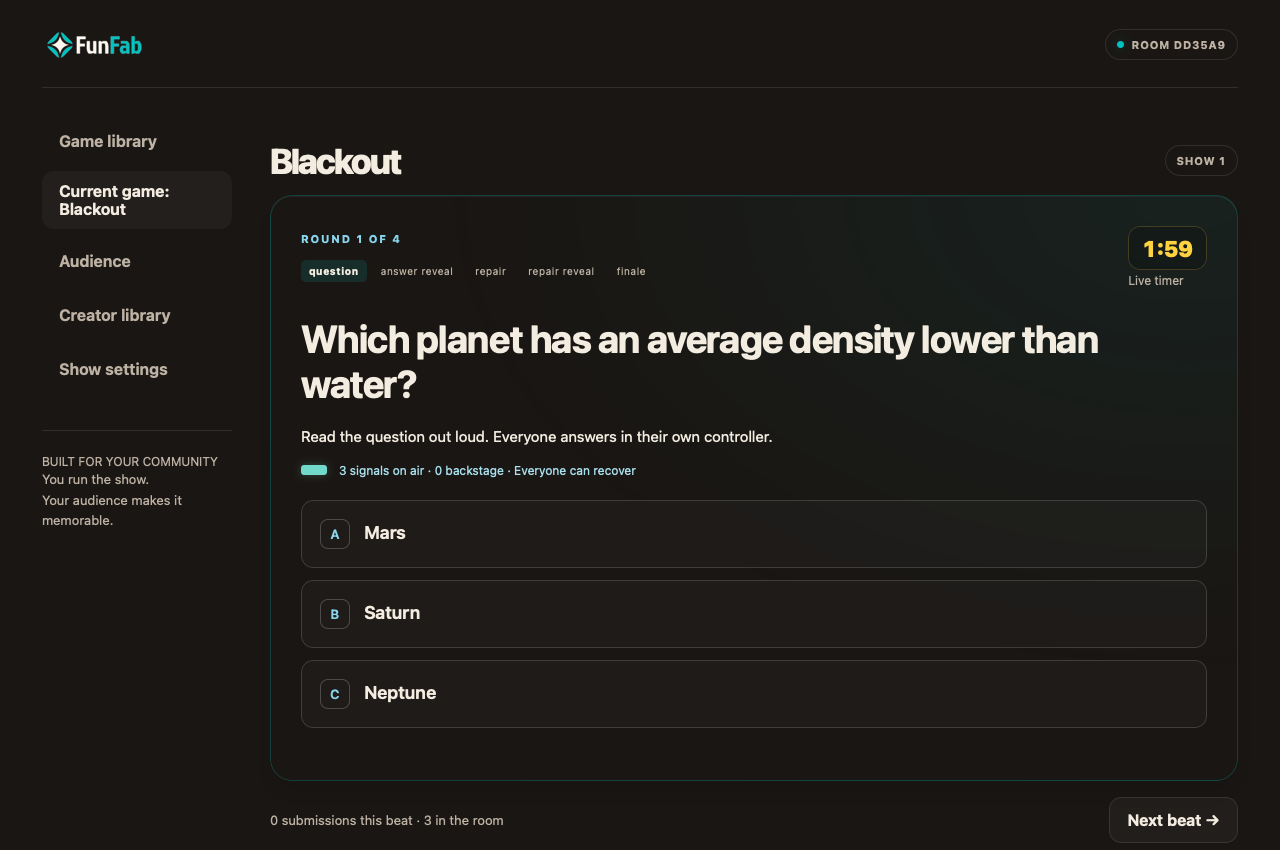
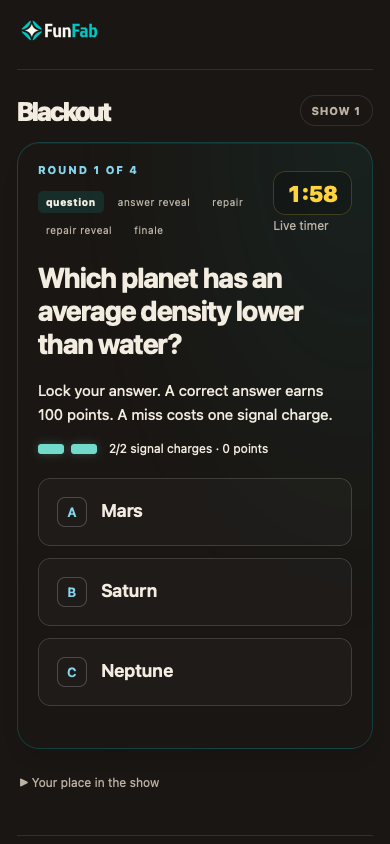
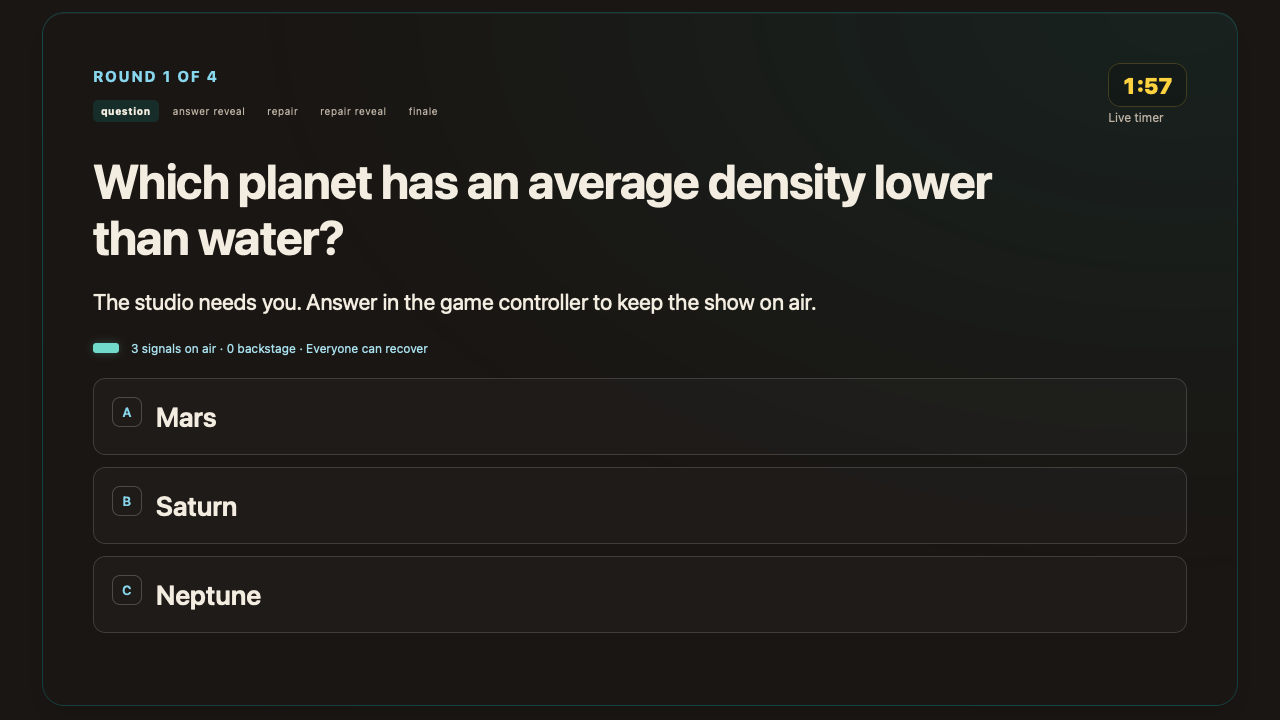
Browser views of Blackout’s host controls, personal controller, and public display. Select a screen to view it at full size.